
Product screenshot
Sales funnels on Paylead
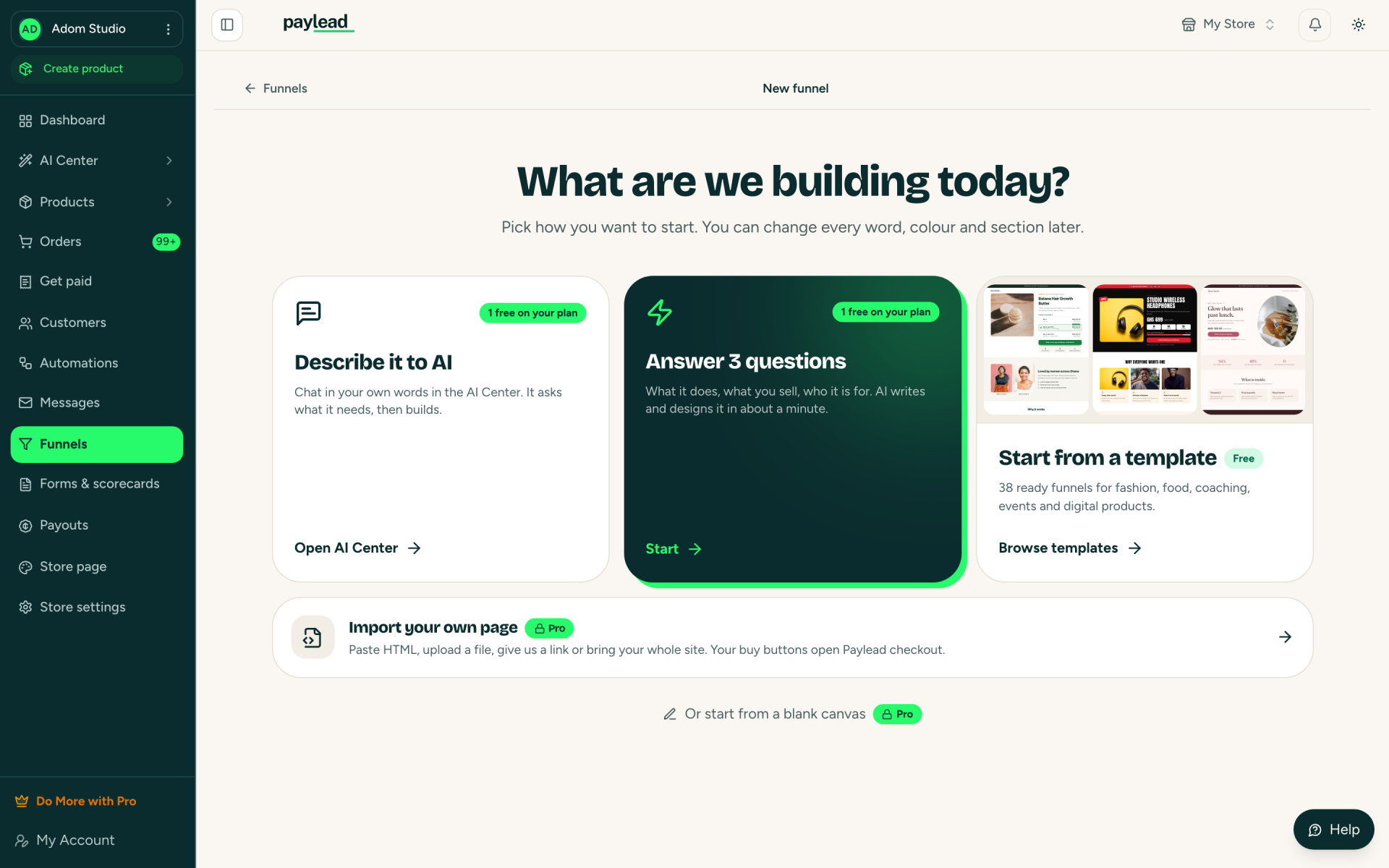
A funnel on Paylead is a sales page, or a few pages in a row, built to sell one offer. This is the screen a seller sees when they start a new one.

Ways to start
- Describe it to AI: explain the offer in your own words in the AI Center. It asks what it needs, then builds the page.
- Answer 3 questions: what it does, what you sell and who it is for. The AI writes and designs the page in about a minute.
- Start from a template: ready funnels for fashion, food, coaching, events and digital products.
- Import your own page: paste HTML, upload a file or give a link. Its buy buttons open the Paylead checkout. This is on paid plans.
Change everything later
Every word, colour and section can be edited after the funnel is created. Products, prices and the checkout are connected for you. The free plan includes one live funnel.
Learn more
More Paylead brand images
Your first sale could land tonight.
Free to start. 4% + GH₵ 1 per sale, or let your buyer pay it. Paid out the next working day.