
Product screenshot
The Paylead checkout
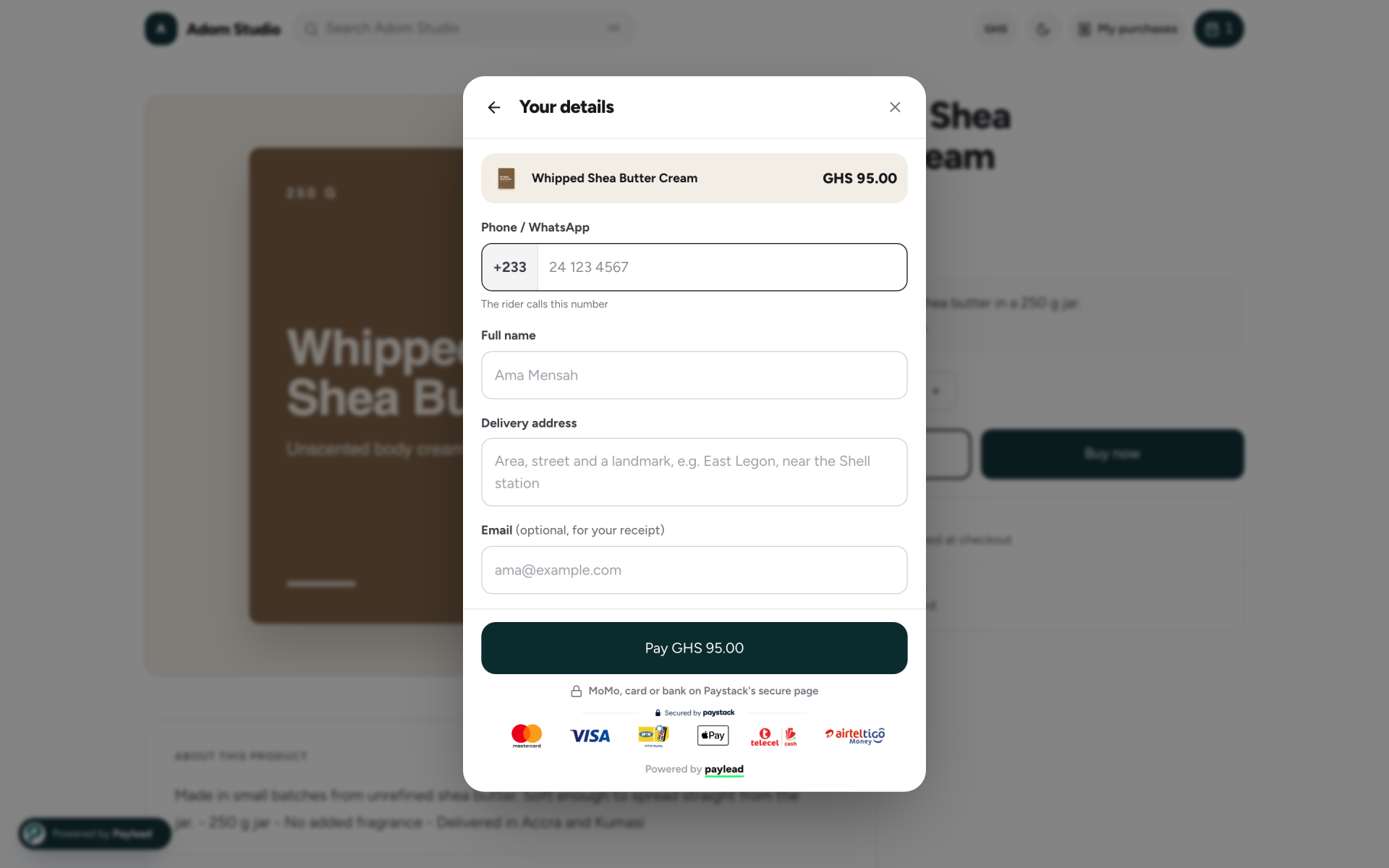
When a buyer taps Buy now on a Paylead store or sales page, the checkout opens over the page instead of sending them somewhere else. This screenshot shows it for a physical product that needs delivery.

What the buyer fills in
- A phone or WhatsApp number, so the rider can call on delivery day.
- Their full name and delivery address. Digital products skip the address.
- An email address, optional, for the receipt.
How they pay
The Pay button shows the total. Payment happens on Paystack's secure page by mobile money, card or bank. The seller can also offer pay on delivery for physical products, and add product options, add-ons and promo codes to the checkout.
Learn more
More Paylead brand images
Your first sale could land tonight.
Free to start. 4% + GH₵ 1 per sale, or let your buyer pay it. Paid out the next working day.