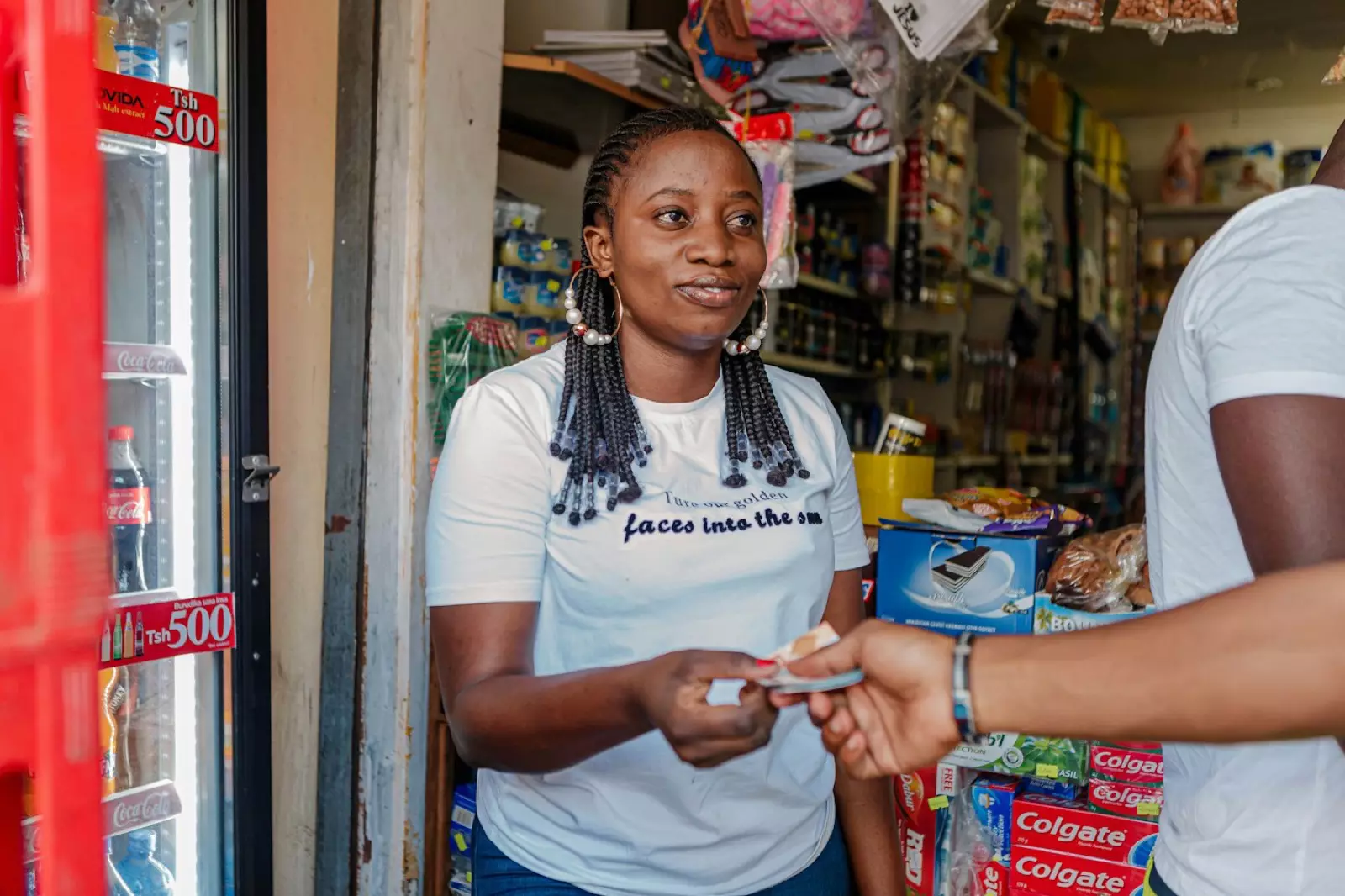
To get paid with a QR code in Ghana, create a payment link, download its QR code and print it for your counter or stall. On Paylead, customers scan it with their phone camera, pay by MoMo or card, and get a receipt, and the payment is confirmed in your orders before they walk away. It is free to set up.
Step by step
- Create your free Paylead account.
- Go to Payment links → New payment link: create a payment link.
- Choose the amount:
- Open, so customers type what they owe (best for a counter),
- or Fixed, for one price such as a GH₵ 50 entrance fee or a set meal.
- Make it reusable so it works for every customer.
- Save and download the QR code.
- Print it big and clear, with "Scan to pay by MoMo or card" underneath.
How a sale goes
- The customer scans the code with their camera.
- They enter the amount (on an open link), their details and pay.
- You see the payment in your orders, or get a new-order alert, before you hand over the item.
Good places for a QR code
- Your shop counter and the door.
- Market stalls, pop-ups and church or school fairs.
- Delivery riders' bags, for buyers who prefer to pay at the door.
- Flyers and posters for events.
What it costs
No monthly fee on the Starter plan. Each payment costs 4% + GH₵ 1. On a GH₵ 80 sale that is GH₵ 4.20. Withdrawals to MoMo or bank cost a flat GH₵ 5 and arrive the next working day.
Frequently asked questions
Do customers need an app to scan?
No. Most phone cameras open QR codes directly.
How do I know a customer has paid?
The payment shows in your orders once it is confirmed, and you can get alerts by SMS, email or in the app: notification settings. Never rely on a screenshot: see how to stop fake MoMo payment screenshots.
Can I use one QR code for my whole shop?
Yes. An open, reusable link works for any amount and any number of customers.
Can I make a QR code for a product?
Make a fixed-price payment link for that product and print its code.