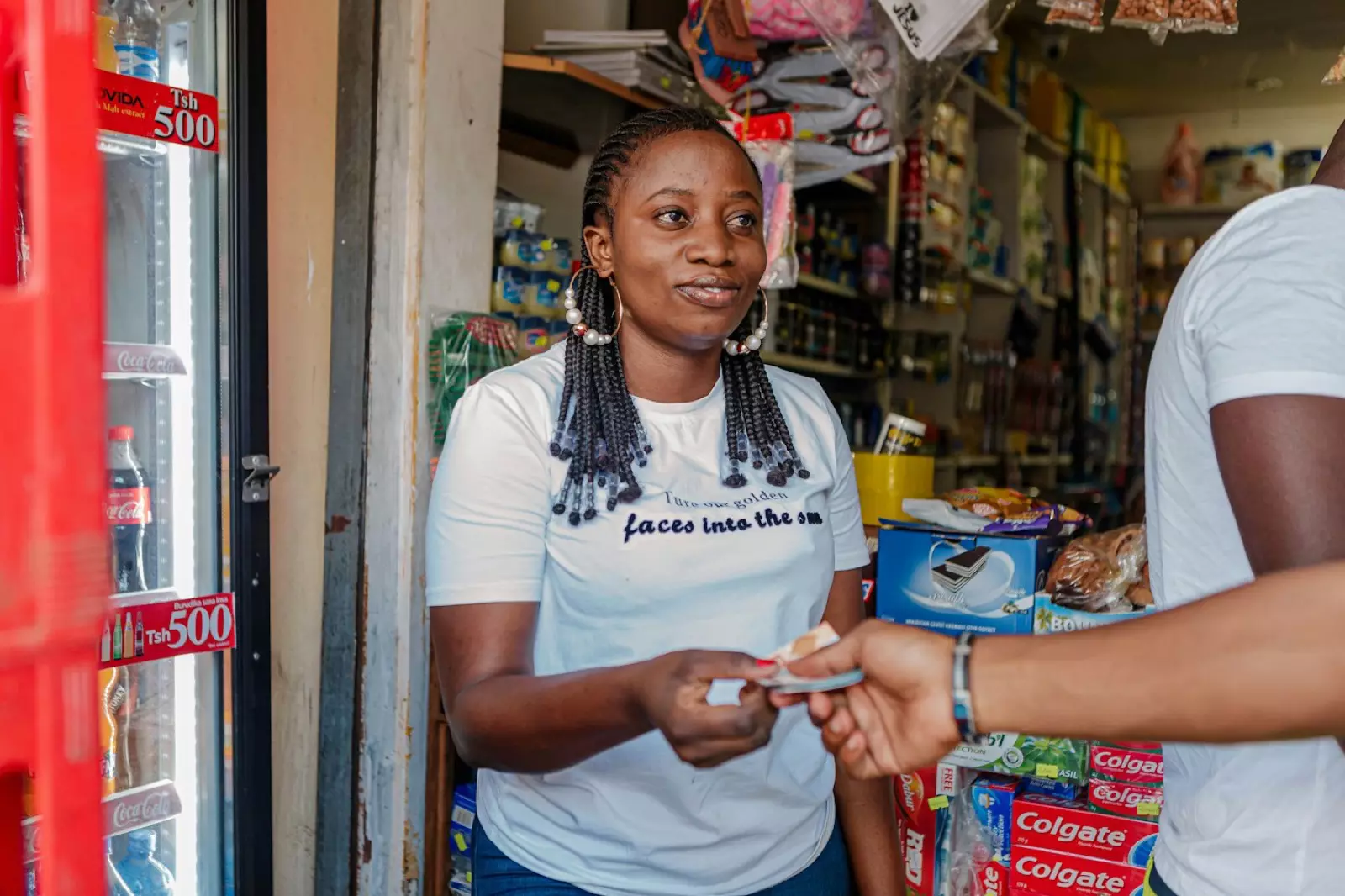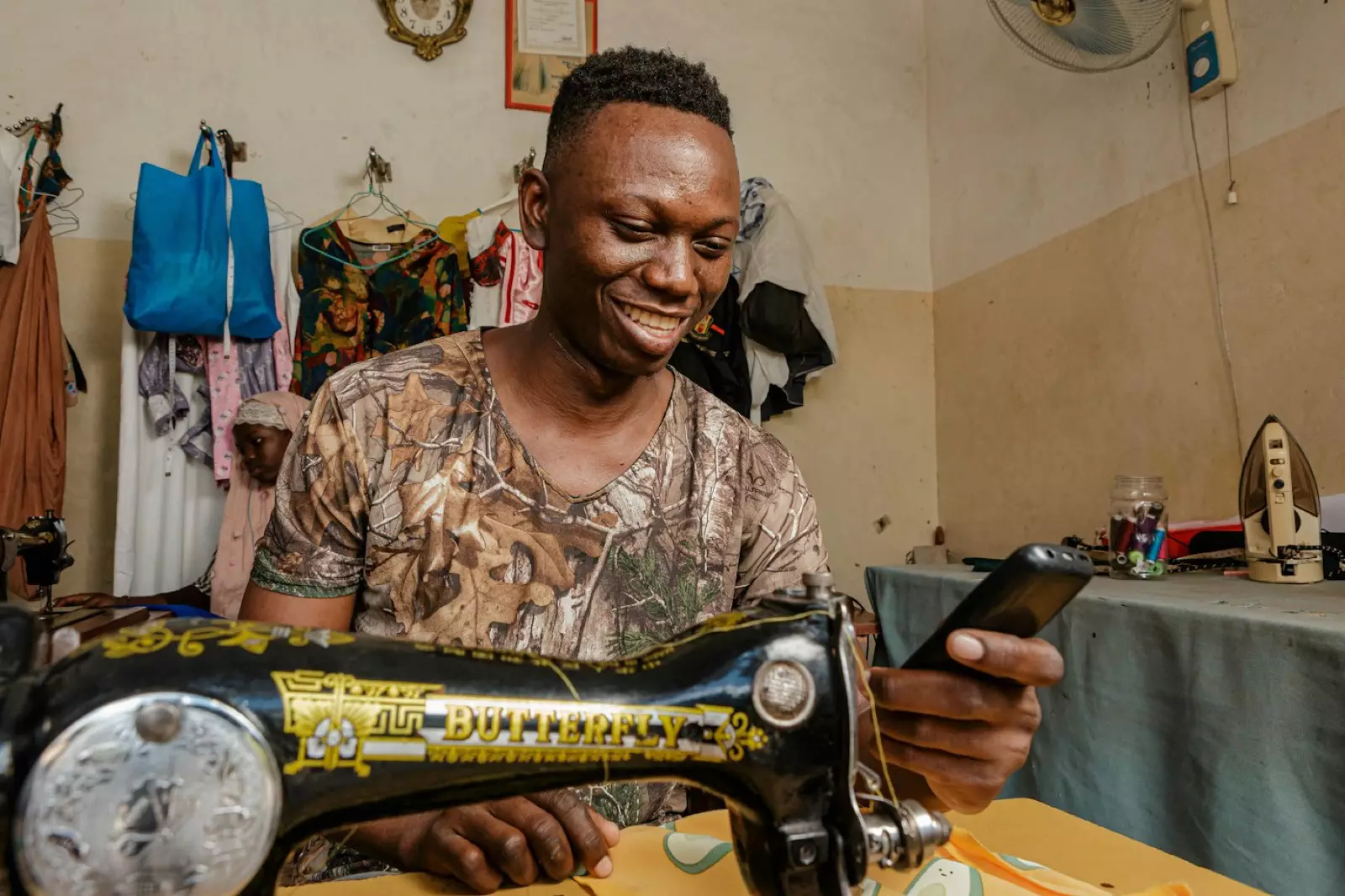
If you do custom work in Ghana, you've probably chased a client for money at least once. "I'll send it tomorrow." "Remind me on Friday." "Accounts is processing it."
A clear invoice doesn't solve every late payer, but it removes most of the excuses. It shows exactly what the client owes, by when, and gives them a way to pay right now.
What an invoice must include
A good invoice answers every question before the client asks it:
- Your business name, logo and contact details: phone, email, WhatsApp, location.
- The client's name and, for companies, the person or department paying.
- An invoice number so both of you can refer to it: INV-0042.
- The date issued and the due date.
- Line items: what you did or supplied, the quantity and the price of each.
- Discounts, tax and the total, clearly separated.
- How to pay: ideally a button or link, not a list of account numbers.
- A short note: thanks, and your payment terms.
A simple invoice template
| Item | Qty | Price | Amount |
|---|---|---|---|
| Branded T-shirts (2 colours, front print) | 40 | GH₵ 85 | GH₵ 3,400 |
| Design and setup | 1 | GH₵ 300 | GH₵ 300 |
| Subtotal | GH₵ 3,700 | ||
| Discount (bulk order) | − GH₵ 200 | ||
| Total due | GH₵ 3,500 |
Due date: 14 days from the invoice date. 50% deposit to start production.
Payment terms that work in Ghana
- Take a deposit on big jobs. 50% before you start is normal for printing, catering, events, tailoring and design. It covers your materials and filters out people who aren't serious.
- Set a due date. "Due on receipt" for individuals, 7 to 14 days for businesses. Without a date, "later" never comes.
- Put the terms in writing before you start: what's included, how many revisions, when the balance is due.
- Make paying easy. Every extra step (finding your number, going to the bank) gives the client another reason to delay.
If you're registered for VAT, show the tax on the invoice as your accountant or the Ghana Revenue Authority advises.
Why a payable invoice beats a PDF
Many people send an invoice as a Word file or a PDF with their MoMo number at the bottom. The client then has to open their MoMo app, type the amount and the reference, and send you a screenshot. You then match the screenshot to the invoice.
A payable invoice has a Pay now button. The client taps it, pays by MoMo or card, and the invoice marks itself paid. You see who paid, when, and how much is still outstanding.
How to send an invoice on Paylead
- Go to Invoices and click New invoice.
- Pick the client or add a new one: name, email and phone.
- Add line items with quantities and prices.
- Add a discount, tax, a due date and a note if you need them.
- Allow part payments if the client can pay a deposit first.
- Click Send. The client gets it by email with a Pay now button, and you can share the link on WhatsApp.
The client sees your logo and business name, can pay by MTN MoMo, Telecel Cash, AirtelTigo Money, Visa or Mastercard, and can download the invoice as a PDF. Every payment shows up in your orders and wallet like any sale. See the invoice guide for the details.
Track every invoice
Invoices on Paylead move through clear statuses, so you always know where you stand:
- Sent: waiting for payment.
- Part paid: the deposit came in and the balance is open.
- Paid: settled in full.
- Overdue: past the due date and unpaid.
Check the overdue list once a week and send a polite reminder.
How to remind a client without sounding rude
On the due date: "Hi Kwame, a quick reminder that invoice INV-0042 for the T-shirts (GH₵ 1,750 balance) is due today. Here's the link to pay: [link]. Thank you!"
A week late: "Hi Kwame, following up on INV-0042 (GH₵ 1,750), which was due last Friday. Let me know if anything's holding it up. The pay link is here: [link]."
Keep it friendly, specific and short, and always include the link.
What it costs
Invoice payments are charged like any online sale on Paylead: 4% + GH₵ 1 with processing included, or you let the client pay it with the Customer pays transaction charges switch. Withdrawals to MoMo or bank are a flat GH₵ 5.
Frequently asked questions
How do I make an invoice in Ghana?
List your business details, the client, an invoice number, dates, line items, discounts, tax and the total, plus a clear way to pay. On Paylead you fill in a form and send it, and the client gets a payable invoice by email.
Can clients pay an invoice with mobile money?
Yes. A Paylead invoice has a Pay now button that takes MTN MoMo, Telecel Cash, AirtelTigo Money and cards.
Can a client pay part of an invoice?
Yes, if you allow part payments. The invoice shows as part paid until the balance is settled.
Should I charge a deposit?
For big or custom jobs, yes. 50% before you start is common in Ghana and protects you if the client changes their mind.
What's the difference between an invoice and a payment link?
An invoice lists items, quantities, tax and a due date for one client. A payment link is a quick way to collect a set or open amount from one person or many.